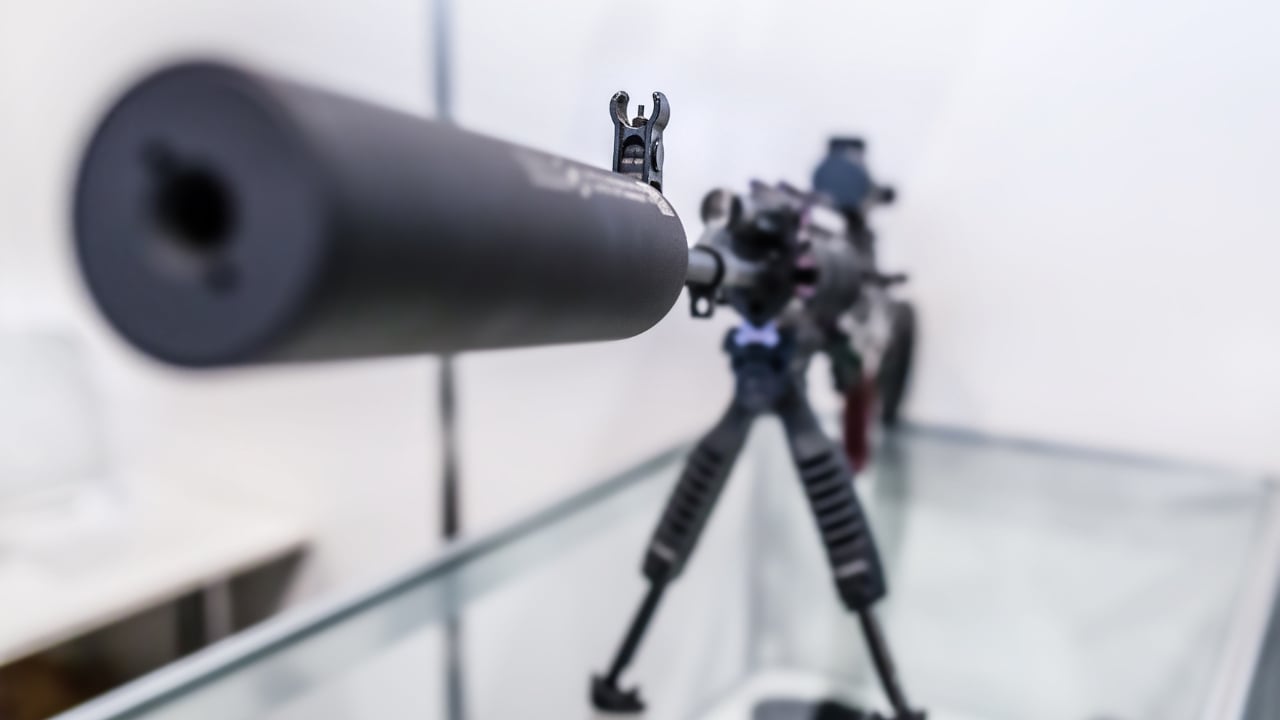
Photo credit: Sodel Vladyslav/Shutterstock.com
The coming shutdown of the ATF’s online filing system is not a minor technical hiccup, it is a hard blackout that will decide whether your next NFA purchase glides through or stalls out. With the $200 tax on certain items going away and a $0 stamp window opening, the rush to file will be intense, and any mistake you make before the lights go out could cost you weeks or months. A simple, disciplined checklist now will keep you from scrambling when the eForms portal goes dark and everyone else is still trying to figure out what just happened.
Why the eForms blackout matters more than usual
You are not just dealing with routine maintenance, you are staring at a planned outage that collides with one of the biggest regulatory shifts gun owners have seen in years. The ATF has already signaled that its eForms system will be taken offline as the Bureau prepares for the elimination of the traditional $200 tax on certain NFA items, which is exactly when demand to file will spike. That combination of a blackout and a financial incentive is why you cannot treat this like a normal slow weekend on the site.
On top of that, the shutdown is not happening in a vacuum, it is timed around the end of Dec and the start of Jan, when many people are off work and finally have time to sit down and submit applications. Reporting on the upcoming change notes that ATF eForms will be offline from Dec. 26 to Jan. 1 as the Bureau preps for the elimination of the $200 tax on SBRs, which means you are competing with a national wave of last minute filers on both sides of that window. If you want to avoid being buried in that surge, you need to treat the blackout as a hard deadline and work backward from it.
Key dates you must lock into your calendar
Your first step is to stop thinking in vague terms like “sometime after Christmas” and start working with exact dates. The ATF has tied the eForms outage to a specific stretch at the end of Dec, and that period is when the system will simply not accept your submissions. If you are still tweaking trust language or hunting for a missing serial number when that window opens, you are already too late.
According to detailed guidance on the changeover, ATF eForms will be offline from Dec. 26 to Jan. 1, which gives you a clear block of days when nothing can be filed electronically. You should treat the last full business day before Dec. 26 as your real cutoff, since server slowdowns and last minute traffic can make the final hours unpredictable. On the back end, do not assume that everything will be smooth the moment the calendar flips to Jan. 2, build in a cushion for post blackout glitches and plan your filings so you are not relying on the very first morning the system comes back.
Understanding what changes with the $0 tax stamp
The reason this blackout is getting so much attention is that it is tied directly to the shift from a $200 tax to a $0 tax stamp for specific NFA categories. For years, that $200 figure has been a psychological and financial barrier that kept some owners from registering short barreled rifles or other regulated items, even when they were otherwise ready to comply. Once that cost drops to zero, the only thing standing between you and a new SBR or suppressor will be paperwork and patience.
Coverage of the transition makes clear that the Bureau is using the outage to retool its systems for the new $0 structure on items that previously carried the $200 tax, particularly SBRs that are being brought into compliance. That means your checklist is not just about beating a deadline, it is about positioning yourself to take advantage of a rare moment when the government is removing a $200 hurdle instead of adding a new one. If you understand which of your planned builds or purchases will qualify for the $0 stamp, you can prioritize those applications and leave less time sensitive projects for later in the year.
Account access: verify your eForms login before the rush
Nothing will derail your filing faster than discovering, at the last minute, that you cannot even get into the eForms portal. Before you worry about barrel lengths or trust language, you should confirm that your username and password still work, that your security questions are up to date, and that the email tied to the account is one you actually monitor. If you have not logged in for months, do a full test run now so you have time to reset credentials or unlock the account without a countdown clock ticking in your head.
Once you are inside, review your profile details line by line. Make sure your legal name, mailing address, and contact information match your current driver’s license and any trust documents you plan to use, because inconsistencies here can trigger delays or follow up questions. With the ATF already bracing for a wave of new filings around the $0 tax stamp change, you do not want your application kicked to the back of the line over a typo in your street address or a mismatched middle initial.
Paperwork prep: trusts, serial numbers, and supporting documents
After your account is squared away, your next priority is the stack of documents that will ride along with your eForm. If you are filing as a trust, that means having a clean, signed, and scanned copy of the full trust instrument, plus any amendments, ready to upload in a format the system accepts. Every responsible person listed in that trust needs their own set of fingerprints and photos prepared in advance, because scrambling to schedule prints during the blackout will only push your submission further out.
For individual filers, the checklist is simpler but no less important. You should have the exact make, model, and serial number of each firearm or suppressor you plan to register, along with accurate barrel and overall lengths for SBR builds. Double check that your intended configuration is legal in your state and that any engraving requirements are understood before you hit submit. The more complete and consistent your documentation is on day one, the less likely you are to see your application stalled while the ATF sorts out missing or conflicting information in the middle of a high volume period.
Choosing the right form type before the blackout
With the system under strain, you cannot afford to guess at which form you need or rely on half remembered advice from a forum thread. Decide now whether your situation calls for a Form 1 to make and register an NFA item yourself, or a Form 4 to transfer an existing suppressor or SBR from a dealer to you. If you are working through a trust, confirm that you understand how responsible persons are handled on the specific form you plan to file, because fixing that mistake after submission is far more painful than getting it right the first time.
Recent guidance on the e-Form Shutdown 2025 underscores that the ATF is expecting a surge in both Form 1 and Form 4 traffic as the $0 Suppressor Tax Stamp Begins and the new rules settle in. One detailed breakdown of the change notes that the ATF has confirmed a Form Shutdown and laid out What to Know Before the Suppressor Tax Stamp Begins, which should be your cue to read the fine print on each form type now instead of learning by trial and error. If you match your situation to the correct form before the portal goes dark, you will be ready to move quickly when it comes back online and avoid being part of the avoidable error pile.
Timing strategy: file now or wait for the $0 window
Once you understand the forms and the dates, you face a strategic choice: rush to file before the blackout, or hold your fire and aim squarely at the $0 tax window. If you are dealing with an item that will not qualify for the new $0 structure, there is little reason to wait, and you may actually benefit from filing early while some applicants are still on the sidelines. On the other hand, if your planned SBR or suppressor build will clearly fall under the $0 stamp rules, filing too early could mean paying a $200 tax that you could have legally avoided by waiting a short time.
Your decision should also factor in how comfortable you are with potential delays. Some reports suggest that approval speeds remain surprisingly fast even with elevated volume, but there is no guarantee that will hold once the blackout ends and the floodgates open. If you are risk averse and your item is not tied to the $0 change, getting your paperwork in before Dec. 26 might give you a smoother ride. If your priority is maximizing savings on that $200 tax, then building your checklist around the first days after Jan. 1, when the system is live and the new rules are in effect, will be the smarter play even if it means living with more uncertainty about processing times.
Technical checks: devices, browsers, and backups
Even the best paperwork will not help you if your laptop decides to update itself in the middle of a submission or your browser refuses to load a critical page. Before you sit down to file, test the eForms site on the exact device and browser you plan to use, making sure that pop up blockers, script settings, and security software are not interfering with logins or uploads. If you rely on autofill tools or password managers, verify that they are inserting the correct information and not overwriting fields with outdated data from an old application.
You should also build in redundancy. Save local copies of every document you plan to upload, from trust PDFs to passport style photos, and keep them in a clearly labeled folder so you are not hunting through downloads while the session timer ticks down. If your internet connection is unreliable, consider filing from a more stable location, such as a workplace office or a trusted friend’s home, before the blackout window opens. The goal is to remove as many technical variables as possible so that when you finally hit submit, the only thing left to worry about is the ATF’s internal processing, not your own hardware.
Your final pre filing checklist
By the time you reach the last week before Dec. 26, you should be in review mode, not still assembling pieces. Walk through a simple, written checklist: confirmed eForms login, verified personal or trust information, correct form type selected, all supporting documents scanned and labeled, and a clear understanding of whether you are filing before or after the $0 tax change. If any box on that list is still blank, address it immediately rather than assuming you can fix it on the fly.
It is also worth setting expectations with your dealer, your co trustees, or anyone else involved in the process. Make sure your FFL knows your timing if a transfer is involved, and confirm that every responsible person in a trust has completed their part of the packet. The ATF’s planned blackout at the end of Dec and the shift to a $0 stamp structure in early Jan are outside your control, but your preparation is not. If you treat the coming eForms outage as a firm deadline and work through this checklist with the same discipline you bring to the range, you will be ready to file clean, accurate applications while others are still trying to log in.
Like The Avid Outdoorsman’s content? Be sure to follow us.
Here’s more from us: