
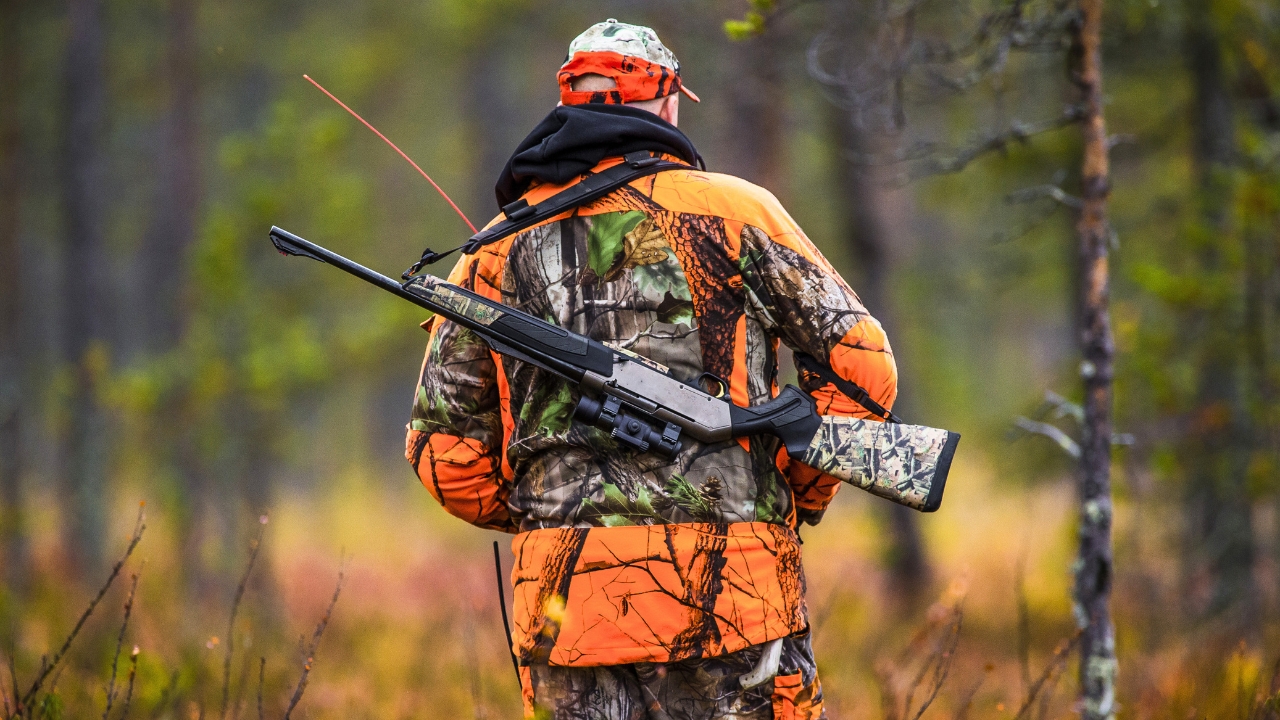
Photo credit: Robert Nyholm/Shutterstock.com
Texas is steadily shifting more of its hunting paperwork from the glove box to your phone, and the change matters most when you are miles from the nearest bar of cell service. If you rely on digital licenses and tags, you need to know exactly how the system behaves when your signal drops, how your responsibilities stay the same, and what happens to your data once you reconnect.
Instead of treating the Texas Hunt & Fish app as a convenience feature, you have to think of it as core field gear, just as critical as a knife or a pen. That means understanding how offline tagging works, how “unsubmitted” harvests are stored, and how to back yourself up so a dead battery or a missed sync does not turn a legal hunt into a paperwork problem.
The push toward digital tags in Texas
Texas regulators are not dabbling at the edges of digital licensing, they are building a system where your phone can carry your hunting and fishing identity as completely as a paper booklet once did. The state’s digital tools now let you buy licenses, carry proof, and record harvests in one place, so you are encouraged to treat your device as the primary record of what you have taken and what tags you have left. That shift is deliberate, and it is designed to match how you already plan trips, check maps, and text camp updates from the same screen.
The Texas Parks and Wildlife Department has folded these capabilities into the dedicated Texas Hunt & Fish app, which is presented as the central hub for your digital licenses and tags rather than a sidecar to paper documents. When you open the app, you are stepping into the same regulatory framework that used to live in the Outdoor Annual booklet and the tag sheet, only now it is updated remotely and tied to your profile. The state’s own description of the Texas Hunt & Fish app makes clear that this is meant to be a full service platform, not a simple digital wallet.
What the Texas Hunt & Fish app actually does
If you are going to trust your season to an app, you need a clear picture of what it can and cannot do before you leave the truck. The Texas Hunt & Fish app is built to let you access your licenses, view regulations, and record harvests even when you are far from a tower, so you are not forced to juggle paper tags in the dark or guess at bag limits from memory. In practice, that means you can open your license, see your remaining tags, and start a harvest report without any live connection.
Earlier in the program’s evolution, the state reintroduced its mobile platform under the name Texas Hunt & Fish and highlighted that its full list of features includes explicit Online and offline functionality so you can use the app regardless of data service once your licenses are downloaded. That promise is not a marketing flourish, it is the backbone of how digital tags are supposed to work in the field, and it is why you are expected to rely on the app even in remote country where your phone is essentially a handheld computer with no network.
How digital tagging works when you lose service
The real test of Texas’s digital system comes the moment you drop a deer or a turkey in a canyon where your phone shows zero bars. Your legal obligation to tag that animal does not pause just because the network does, so the app has to give you a way to record the harvest on the spot. In practice, you open your license in the app, select the appropriate digital tag, and enter the details of the harvest while you are still standing over the animal, even if your device cannot reach the internet.
State guidance spells out that if data service is not available, the harvest report will be saved by your device in an Unsubmitted status until you reconnect. You are still required to enter the date and time of harvest in your app at the scene, and You must then work through the backlog of unsubmitted records once your phone can talk to the server again. That design keeps your tagging obligation tied to the moment of the kill, not to the moment your phone finally catches a signal on the drive home.
What stays on your phone and what syncs later
When you are off the grid, your phone becomes a temporary vault for your hunting records, and you need to understand what is stored locally and what only exists once it syncs. Each harvest you log without service is written into the app’s local storage, which is why you can still open the record, review the details, and show it to a game warden even before it has been transmitted. The “unsubmitted” label is a reminder that the central system has not seen the harvest yet, not a sign that the record is incomplete.
Once you regain coverage, the app is designed to push those pending entries to the state’s servers so your digital tags and harvest history stay aligned with your actual activity. The same logic underpins other software that has to work in spotty conditions, such as time tracking tools that emphasize Offline Functionality and then automatically sync once you are back online. In both cases, your device is expected to hold accurate records on its own, then reconcile them with the cloud so the official ledger matches what really happened in the field.
Your responsibility to track tags and harvest history
Even with a sophisticated app in your pocket, the burden of staying legal still sits squarely on your shoulders. You cannot assume that a digital tag will manage itself or that the system will prevent you from overharvesting if you are not paying attention. You are expected to know how many tags you have used, how many remain, and which species and counties each one applies to before you pull the trigger or release an arrow.
Texas officials are explicit that it is your responsibility to Track tag usage and sync the Texas Hunt & Fish app so your records stay current. You are supposed to Use the Harvest History section inside Texas Hunt & Fish to review past entries, confirm that each harvest has moved out of unsubmitted status, and make sure the digital tags shown as used match the animals in your freezer. The app gives you tools, but it does not replace the basic discipline of checking your own numbers before you head back into the field.
How the Outdoor Annual and regulations plug into the app
Digital tagging does not exist in a vacuum, it sits on top of the same web of seasons, bag limits, and county specific rules that have always governed Texas hunting. Instead of flipping through a printed booklet, you are now expected to pull those rules from your phone, which is why the regulatory content has been built to live alongside your licenses and tags. That integration matters when you are trying to confirm whether a specific antler restriction or special season applies to the property you are hunting.
The state points hunters to the Outdoor Annual website and app for the full set of Hunting and fishing regulations for the 2025 to 26 season, and it notes that Outdoor Annual content is available both online and inside the same digital ecosystem that handles your licenses. Outdoor rules are meant to be checked in real time, not guessed at from memory, so you are expected to use the Outdoor Annual tools in tandem with Texas Hunt & Fish rather than treating them as separate worlds. When you do, you are less likely to misapply a tag or record a harvest that is not actually legal for that date and location.
Preparing your phone before you head off grid
The most important work you do with the Texas Hunt & Fish app happens before you ever leave a paved road. If you wait until you are already in a dead zone to log in, download your license, or update the app, you are gambling that your phone will behave perfectly under pressure. A more professional approach is to treat digital prep like checking your rifle zero or topping off your fuel, something you do days or hours before the opener while you still have reliable service.
In practice, that means signing into Texas Hunt & Fish, confirming that your licenses and tags are visible, and letting the app fully sync while you are on a strong connection. You should also open the Outdoor Annual content for the counties you plan to hunt so those pages are cached and ready when you are offline. The official description of the Texas Hunt & Fish platform emphasizes that offline use depends on having your information downloaded to the device first, so you cannot skip this step. If you treat pre download and sync as part of your standard checklist, you are far less likely to be caught staring at a blank screen when it is time to tag an animal.
Field routines that keep your digital tags reliable
Once you are in the field, your goal is to make digital tagging as automatic as clipping a paper tag used to be. That starts with a simple rule: you do not move an animal or leave the immediate area until you have opened the app, selected the correct tag, and entered the harvest details. Building that habit means you are not trying to reconstruct times and locations from memory hours later, and it keeps your digital record tied tightly to the real world event.
After each hunt, you should make a second pass through your records while you are back in coverage, checking that every harvest has cleared the unsubmitted queue and appears correctly in your history. The state’s guidance on Date and time of harvest entries underscores that these details are not optional, they are part of the legal record. By pairing an in the moment tagging habit with a post hunt review, you create a redundant system that catches missed syncs or fat fingered entries before they become enforcement headaches.
Where Texas’s digital tagging push is headed next
Texas’s move into digital tags is not a one season experiment, it is a long term shift in how the state expects you to interact with wildlife regulations. Each year, more of the process that used to live on paper is being folded into the app, from license purchases to harvest reporting, and that trajectory is unlikely to reverse. As the system matures, you can expect the digital record of your hunting history to become the primary reference for both you and the state, which raises the stakes for keeping that record accurate and complete.
The expansion of digital license and tag options for recreational hunting and fishing is already reflected in the way the state talks about the Outdoor Annual and Texas Hunt & Fish as interconnected tools rather than separate products. For you, that means the question is no longer whether to participate in the digital system, but how to use it with the same care you once applied to filling out a paper tag in the rain. If you treat your phone as a serious piece of hunting equipment, understand how it behaves when you are off service, and build disciplined routines around it, you can stay on the right side of the rules even as Texas goes deeper into digital tags.
Like The Avid Outdoorsman’s content? Be sure to follow us.
Here’s more from us:


