
Photo credit: SAG stock/Shutterstock.com
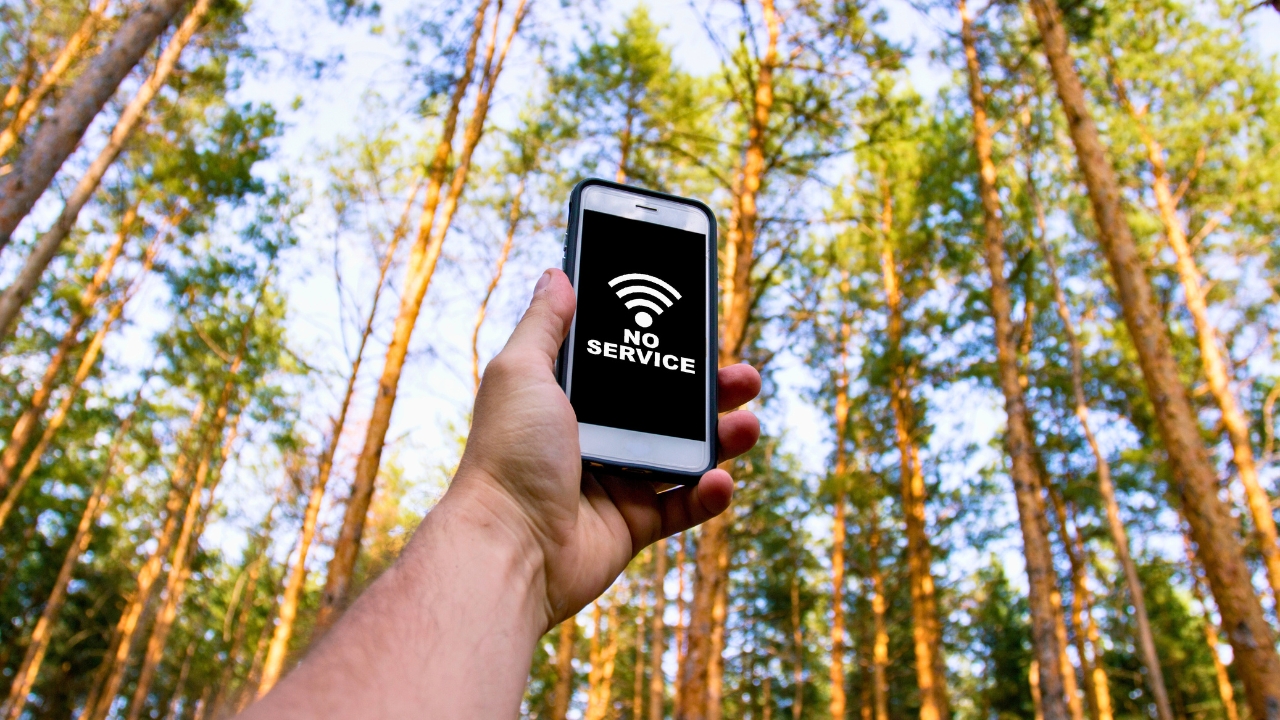
Electronic tags are no longer a niche tool used in a handful of court cases. As monitoring expands, you are more likely to encounter a bracelet, GPS tag, or smart tracker that quietly assumes you will always be connected. When cell service drops, the stakes are high, so you need a clear plan for what to do in those minutes or hours when the network disappears.
Handled well, a signal outage is a technical hiccup. Handled badly, it can look like you have vanished or tampered with your device. Understanding how these systems work, what they expect from you, and how to respond when coverage fails can be the difference between a routine explanation and a breach allegation.
Why electronic tagging depends on constant connectivity
Modern monitoring systems are built on the assumption that your location can be checked at any moment. GPS ankle bracelets, smartphone-based apps, and home curfew units all rely on a mix of satellite positioning and cellular or radio links to report where you are and whether you are complying with curfews or exclusion zones. If the supervising agency cannot see that data, the system is designed to treat the silence as a problem, not a neutral gap.
Some tags use a base station in your home that regularly polls the device and raises an alert if it cannot confirm you are present, a model that mirrors how radio frequency tags check whether someone has absconded. Others lean on GPS and mobile data to track whether you enter or leave specific zones programmed into the software, and those systems expect a steady stream of location pings. When that stream stops because your phone drops to zero bars or your bracelet cannot reach the network, the technology has no way to know whether you are in a tunnel, in a dead zone, or on the run.
What actually happens when your tag goes dark
From your perspective, losing cell service might feel like a minor annoyance, but to a monitoring platform it can look like a serious breach. Many systems are configured to flag missed check-ins or gaps in tracking data within minutes, and those alerts can escalate quickly from automated warnings to calls from staff or even a request for police to perform a welfare check. The logic is simple: if the system cannot see you, it cannot certify that you are following the rules.
In some programs, missing scheduled appointments or failing to appear in the data where you are supposed to be is treated as a violation in its own right, and the software is set up to highlight any absence from required zones or curfew locations. Guidance for people on electronic monitoring stresses that missing these appointments or leaving zones programmed into the software can trigger swift responses. When connectivity fails, the system cannot distinguish between a genuine outage and a deliberate attempt to evade supervision, which is why your reaction in those first few minutes matters so much.
The legal risk of being blamed for a signal failure
The harsh reality is that you can face serious consequences even when technology is at fault. People on community sentences or licence conditions have reported being treated as if they had removed or disabled their tag when the real culprit was a dead battery, a faulty unit, or a patch of countryside with no coverage. Once an alert is logged, the burden often shifts to you to prove that you did not intentionally interfere with the device.
One widely shared account described how a man was re-arrested and sent back to prison after his tag stopped reporting, with the discussion pointing out that a failure to have an active tag could prompt sirens and immediate enforcement action, even when there was no support on the outside to help him manage the technology. That kind of experience underlines why you should treat every loss of signal as a potential legal incident, document what happened, and be ready to explain it clearly to your supervising officer or the court.
First steps the moment you lose cell service
When your phone or tag drops off the network, your first priority is to stabilise the connection if you can. Move away from basements, underground car parks, or thick concrete walls and head for open space, since even consumer guidance on dead zones recommends that you move to a better location because sometimes a few metres can restore a usable signal. If you are indoors, going upstairs or closer to a window can make the difference between a failed and a successful data burst from your device.
If you still have partial service, try basic phone fixes that are known to clear network glitches. Consumer signal experts suggest simple steps such as toggling Airplane Mode, performing a quick restart, or forcing your handset to reconnect to the network as part of broader advice on how to boost cell signal for free. Those same tricks can help your monitoring app or Bluetooth link to your tag start talking to the servers again. While you work through these steps, make a mental note of the time, your exact location, and what you tried, so you can relay that information later if anyone questions the gap in your data.
Keeping the hardware itself from being blamed
Even with perfect coverage, a neglected device can betray you. Many ankle bracelets and portable GPS units rely on rechargeable batteries that must be topped up daily, and if they shut down, the system will often treat that as a deliberate failure to comply. One monitoring provider is explicit that your bracelet should be charged for a minimum of two hours every day and that a full battery is good for 40 hours, which gives you a sense of how little slack there is if you forget.
Smaller consumer trackers can be just as unforgiving. Troubleshooting guides for Apple AirTag issues note that a low battery is a common reason a tag stops updating its location and that the coin cell inside is designed to last about a year under normal usage, so you are expected to replace it before it fails. When your own tag or tracker stops reporting, supervisors may assume you ignored similar warnings, even if you never saw them, which is why it pays to treat battery checks and charging as non-negotiable habits rather than optional extras.
When the problem is the tag, not the tower
Sometimes the network is fine and the fault lies inside the device strapped to your ankle or clipped to your keys. Monitoring hardware is essentially a specialised telematics unit, and the same issues that plague fleet trackers can hit you: loose power connections, damaged cables, or internal faults that interrupt the flow of data. Technical guidance on telematics reliability highlights that power supply problems interrupt telematics and that verifying power connections and checking for loose wiring are among the first steps technicians take when a unit goes silent.
Consumer trackers have their own quirks. If your AirTag or similar device is not showing up on your phone, troubleshooting advice points to Bluetooth issues, outdated software, or pairing glitches as likely culprits, which is why guides on how to fix AirTag not connecting walk you through resetting the device and re-adding it to your account. While you cannot open or reset a court-issued bracelet in the same way, you can still pay attention to warning lights, error tones, or vibration patterns and report them immediately, so there is a record that you flagged a technical fault rather than quietly hoping it would resolve itself.
Interference, dead zones, and the invisible obstacles around you
Not every outage is about distance from a cell tower. Electronic tags and trackers can be tripped up by interference from other devices, reflective surfaces, or even the way you wear them. Radio frequency systems in particular can struggle when multiple tags are present or when signals bounce unpredictably, a problem that technical specialists describe as tag interference in broader discussions of common RFID challenges and solutions. In practice, that can mean your bracelet fails to check in with a home base station even though you are sitting on the sofa exactly where you are supposed to be.
GPS-based systems have their own blind spots. Dense urban streets, heavy tree cover, and metal structures can all degrade satellite signals or block the path between your device and the sky. If your conditions require you to be in a specific building or workplace, you may find that certain corners of the site are effectively invisible to the network. Mapping out those weak spots in advance, avoiding them where possible, and warning your supervising officer about any unavoidable dead zones can help prevent a routine shift or commute from being misread as an attempt to disappear.
How to document outages so they do not become violations
When connectivity fails, you need to think like a meticulous technician and a cautious defendant at the same time. Start by noting the exact time the signal dropped, where you were, and what you were doing, then record each step you took to restore service, from moving to higher ground to restarting your phone. If your device has any visible indicators, such as LEDs or on-screen messages, write down what they showed, since those details can help a monitoring officer or technician reconstruct what went wrong.
Once you are back in coverage, contact your supervising officer or monitoring centre as soon as it is safe and practical to do so, and give them a calm, factual account of the outage. Explain that you were in a dead zone or experiencing interference, outline the steps you took to fix it, and, if relevant, mention that you have seen similar issues before in that location. The more your explanation aligns with how connectivity problems typically behave, from the way consumer trackers stop updating when their batteries or connections falter to the way telematics units drop off when power is interrupted, the easier it is for a decision-maker to see the gap as a technical fault rather than a deliberate act.
Building a routine that keeps you ahead of the system
The safest way to handle lost cell service is to reduce how often it happens and how surprising it feels when it does. That starts with a daily routine: charge your bracelet or portable unit for as long as your provider recommends, check that any companion app is running and logged in, and glance at signal bars before you leave home. If your conditions allow, carry a small notebook or use a secure notes app to log any glitches, so you have a contemporaneous record if questions arise later.
It also helps to think of yourself as part of the technical loop rather than a passive subject. Monitoring companies design their systems with tamper detection that can alert staff within minutes if someone tries to remove or damage a device, and they expect you to respect that sensitivity. At the same time, they know that hardware and networks fail, which is why they build in support channels and procedures for reporting faults. By treating every outage as something to be managed, documented, and communicated, you turn a blunt system that reacts to silence into a more nuanced process that can distinguish between a person who is hiding and a person who is doing everything possible to stay visible, even when the signal drops.
Like The Avid Outdoorsman’s content? Be sure to follow us.
Here’s more from us:


